 Home › Programs › Vanilla › Walkthrough › 03. Working with Favourites
Walkthrough: Working with Favourites
Favourites are a great way to keep track of what items interest you from the List.
Favourites are easy to use. Again, we are working from the Sample List. Lets go
through the list and find some stuff that interests us.
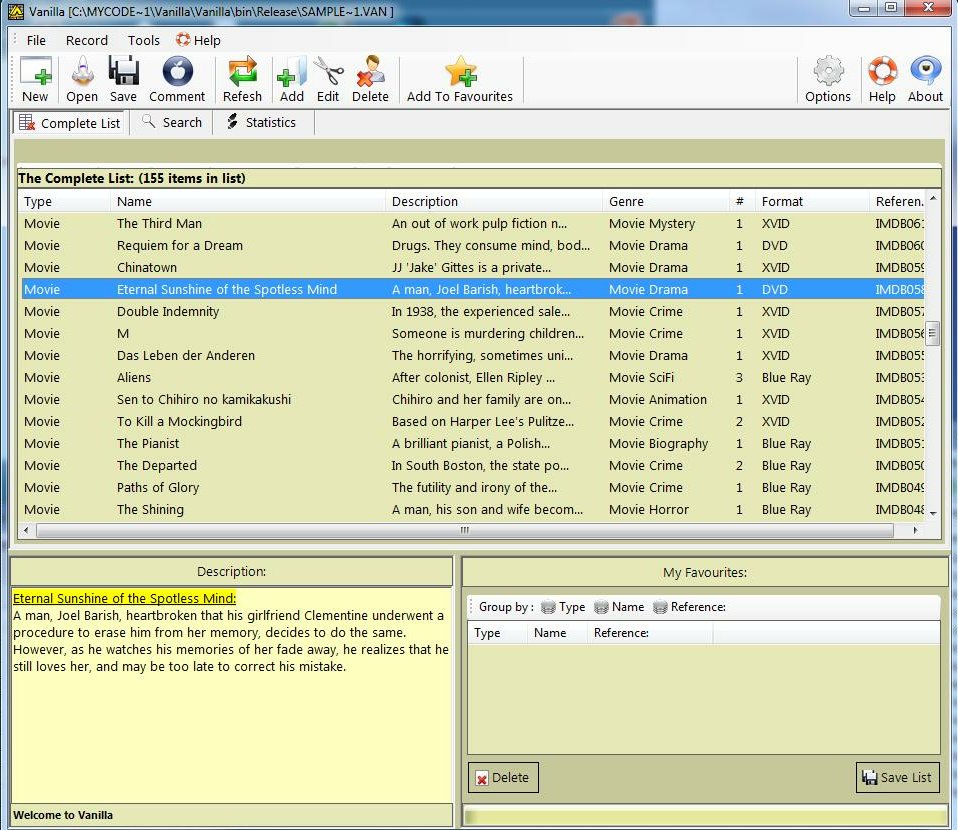
Select something that we are interested in.
Say in this example, we want keep note of "Eternal Sunshine on the Spotless Mind".
We can just press "F" key on the keyboard, or just simply drag
the highlighted selection in the list to the "Favourites" List. The result of this
is:
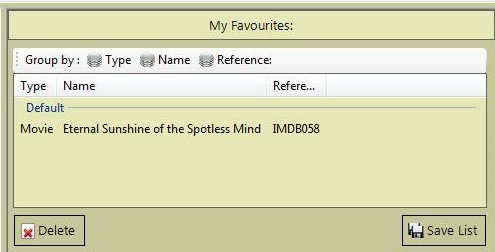
Vanilla will keep track of what you drag over to the Favourites List. Let's pick
a few more random entries from the list. Our favourites list could look like this:
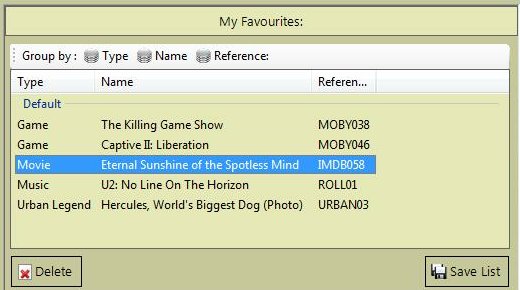
Now that we have a decent selection. You will notice that there are two button under
the favourites list. If you decide that you are not interested in one particular
favourite anymore, just select it from the favourites list, and press the "Delete"
Button beneath the favourites list.
Once you are happy with what you have, press the "Save List" Button. Vanilla will
bring up a File Requestor, with an auto generated Name. Select the path to save
it to. Vanilla will save out a text file with all the necessary details of your
favourites selection in it. As with the favourites from above, which are based on
the Sample List, Vanilla will generate the following text file:
So you can see that it is easy to keep track of things you like in the list.