Home › Programs › Vanilla › Walkthrough › 02. Editing an item
Walkthrough: Editing An Item
Editing a existing record is easy!. All you do is Select the item that you want
to edit. There are several ways that you edit an record.
- The Press the "Edit" Button on the Toolbar:

- Press the "E" key on the keyboard.
- Double Click on the record in the list:
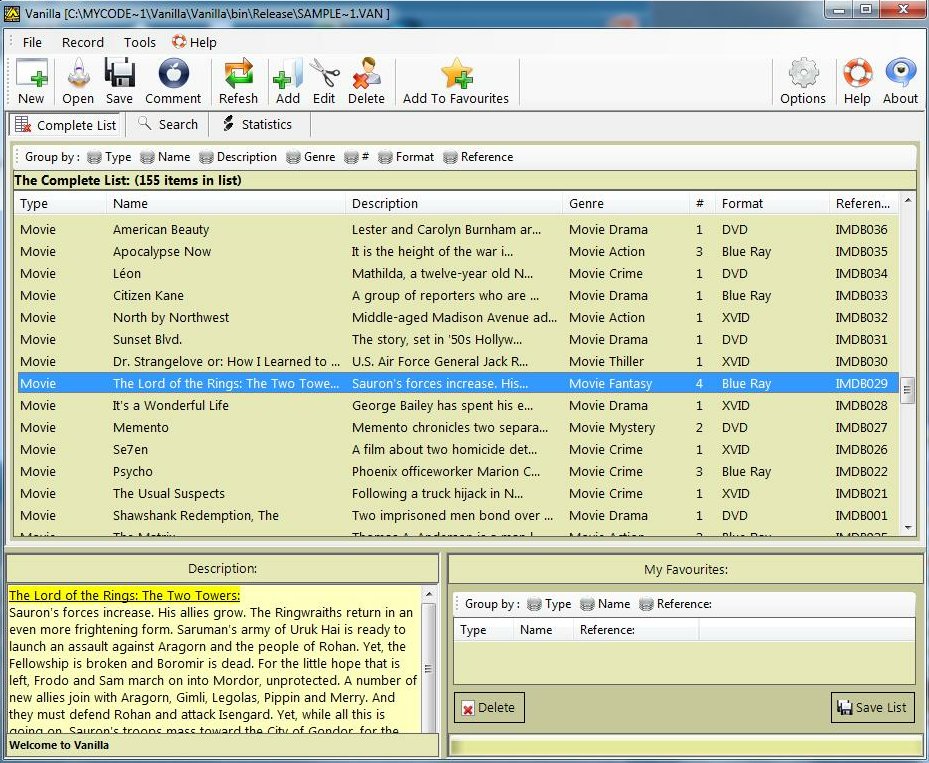
Select the Item you want to Edit
No matter which method you decide on, The "Edit Record" Panel will appear. In this
case we'll just change the name of "The Lord of the Rings: The Two Towers". We want
to move the "The" in the title:
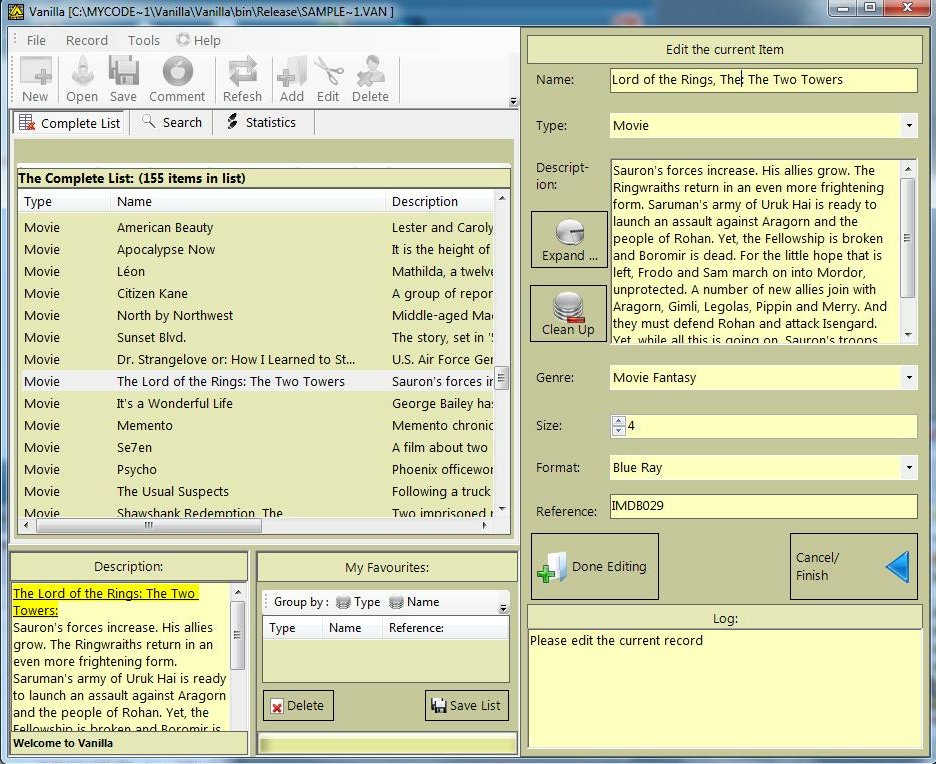
Change the Positioning of the "The"
Once any changes are done, press the "Done Editing" button:
Then the "Edit Panel" closes, and you can see that the record has been changed: