 Home › Programs › Vanilla › Walkthrough › 11. Providing Feedback
Walkthrough: Providing Feedback
Having feedback from users of Vanilla is very important for future development,
as it helps Artificial People to improve Vanilla and provide a mechanism for the
users to comment on what they like and don't like. It also is very useful for users
to make valuable suggestions on the future direction of Vanilla. It is easy to sent
Feedback, just Press "Tools->Send Feedback..." Menu options from the pull down menu,
or you can press the Feedback option on the Help Screen. Once you have done this,
the Feedback page appears:
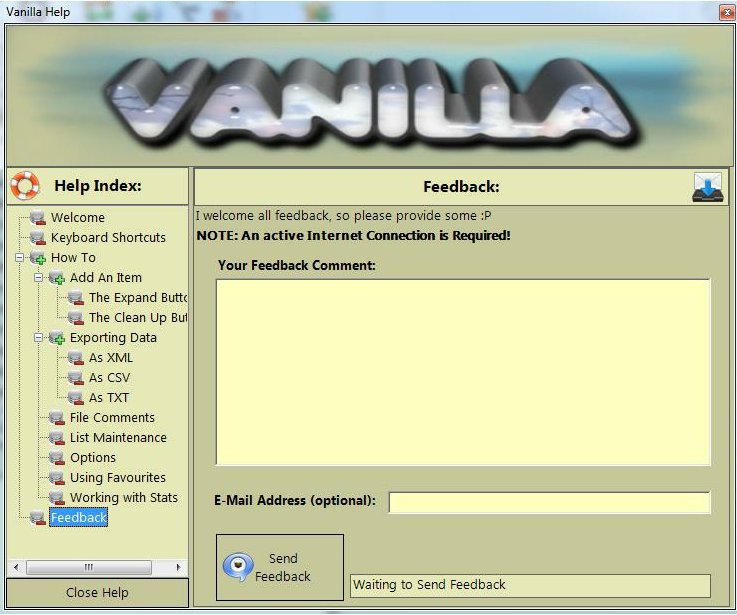
Simply type in a comment, and if you want, provide a E-Mail address. Then press
the "Send Feedback" button. You will need an internet connection for this to work,
but it is simple and easy to do!. Give some feedback now.